


Is This a Good Deal? Price History Insights
Our price tracker reveals that myPDF - Scan, Fill, Sign & OCR typically retails for $3.99. This is a rare 100% discount.
App Price
[Free] $3.99 → Free
View History
| start | end | change |
|---|---|---|
| 2025-12-28 | 2026-04-28 | $3.99 → Free |
| 2026-04-28 | Now | Free |
Editor's Note: This developer usually offers limited-time promo windows. Act fast before the price reverts.
Why We Recommended It
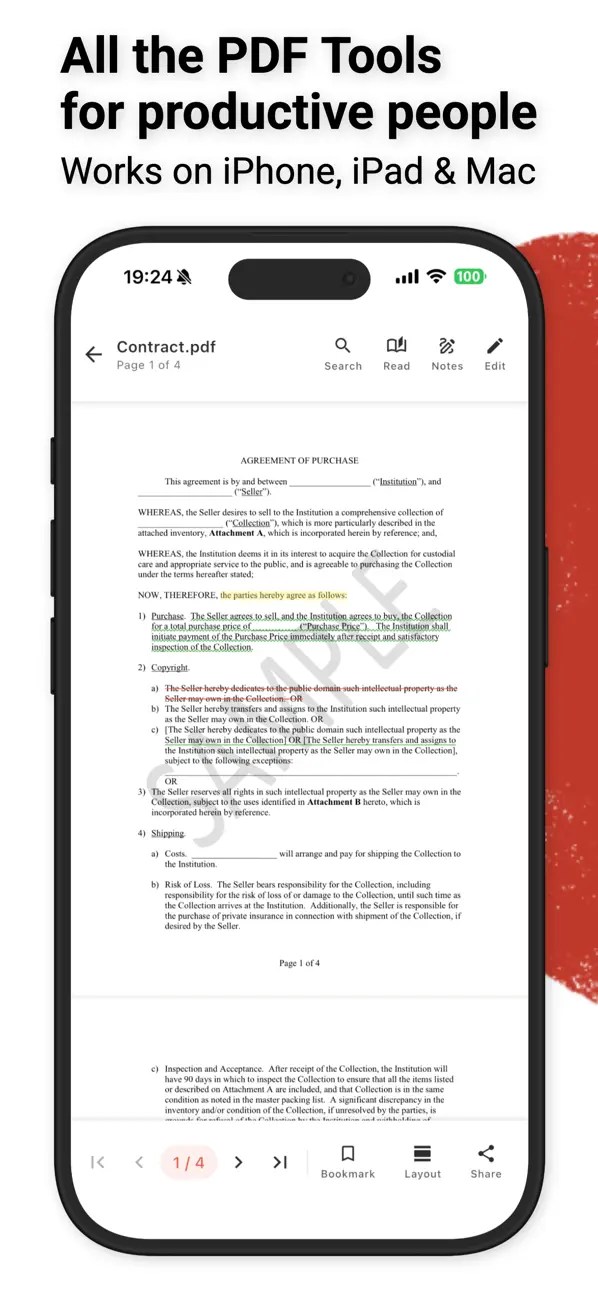
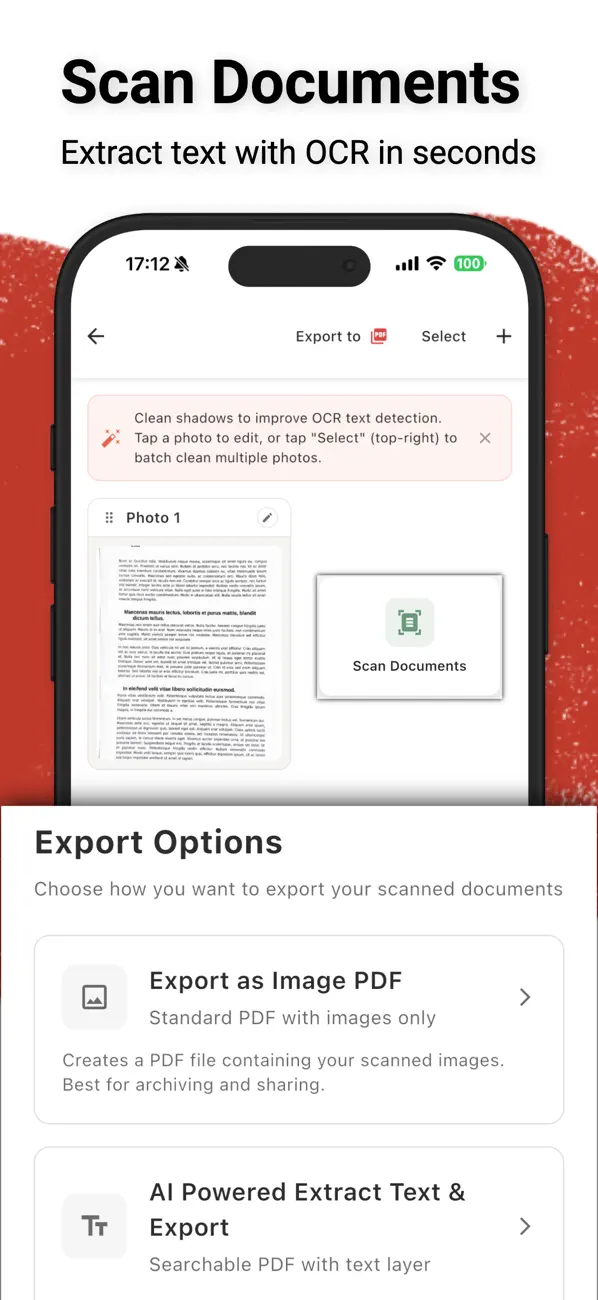
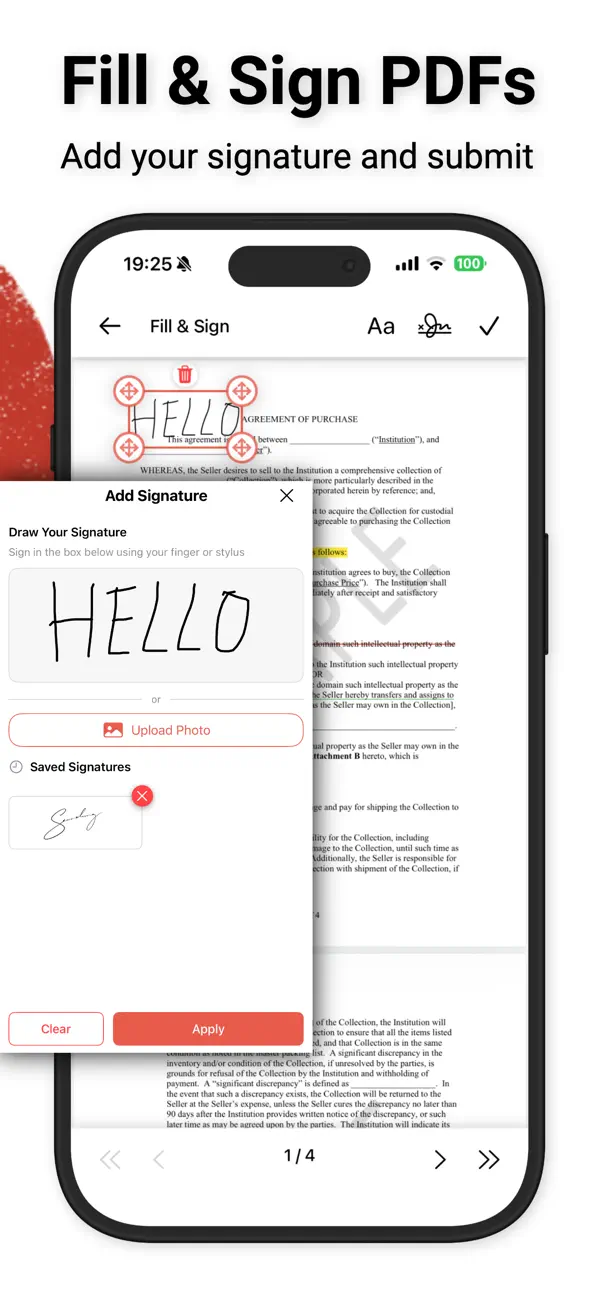
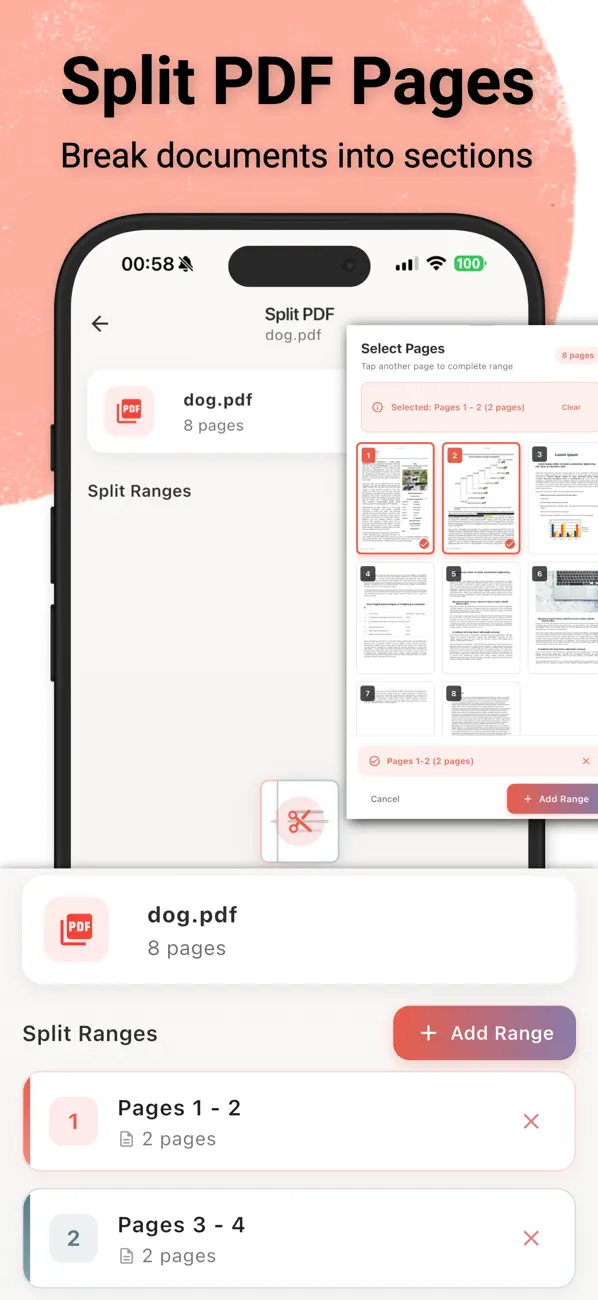
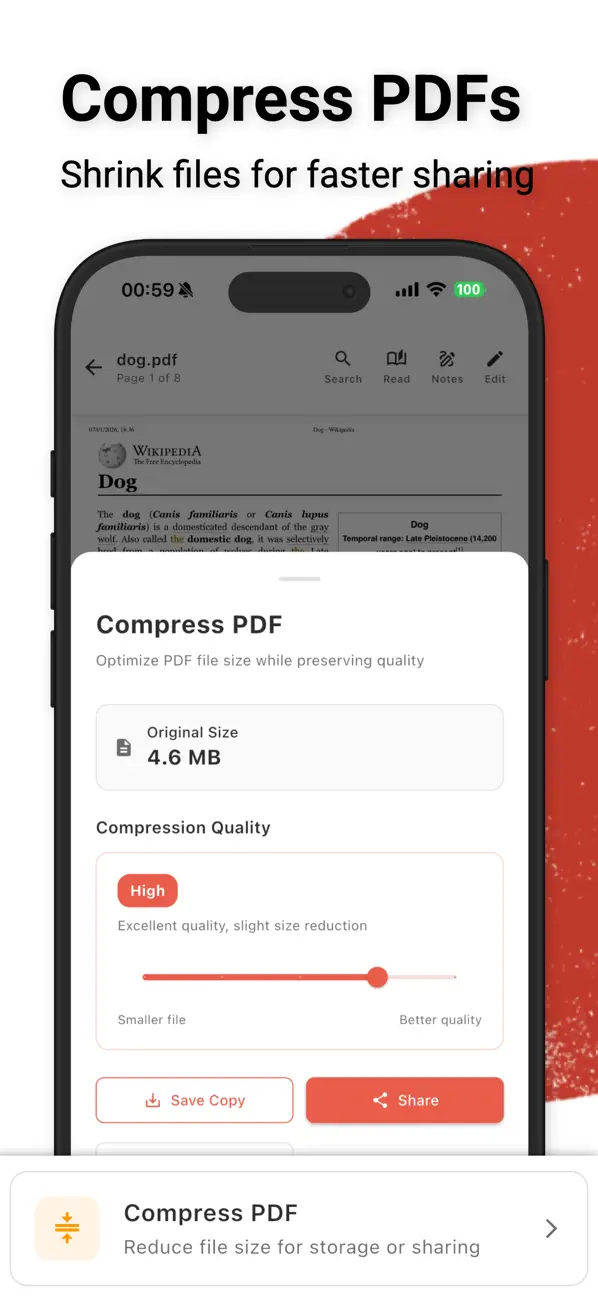
myPDF for macOS is currently free, offering a rare chance to grab a full-featured PDF editor and scanner without any subscription. Unlike competitors that lock essential tools behind yearly fees, myPDF works 100% offline and respects your privacy—no accounts, no data collection, and no ads. It combines AI-powered OCR, document scanning with edge detection, and comprehensive editing tools like merge, split, annotate, fill & sign, and password protection. The standout feature is its built-in chat with PDF, turning static documents into interactive conversations. Whether you're a busy professional scanning contracts, a student extracting text from textbooks, or anyone who needs to manage PDFs securely, myPDF delivers a streamlined workflow entirely on your Mac. Normally $3.99, it’s now free to download—a perfect time to ditch costly subscriptions and keep your documents private.
Why myPDF - Scan, Fill, Sign & OCR is Worth Grabbing Today
Key Features & Value Propositions
Deal Rarity: This app rarely goes on sale. The last recorded price drop was on 2026-07-19. This is the absolute best time to download it.
- Optimized Performance: Process scans and edits instantly with full offline performance—no network lag or cloud delays.
- Pro-Level Workflow: Scan, edit, sign, and even chat with your PDFs in one seamless offline workflow without switching apps.
- Intuitive Interface: Intuitive controls and clear layout make advanced tasks like OCR and document merging easy for anyone.
A Closer Look at myPDF - Scan, Fill, Sign & OCR

Technical Specifications & Compatibility
User Reviews
Hi! I just purchased the pro version on my iPhone and am not having success accessing the pro version on my MAC? I’ve tried “restore purchase “ and got nothing.Also, I have a feature request 🙏🏼 I’m visually impaired and would be so grateful if you could add more color options so it’s easier to keep things organized by color. 2- are you able to add just a plain’notes’ section? To copy and paste from our Apple notes, add website links to refer back to, draft up our document before saving as a PDF? Looking forward to your reply!! Thanks so much!!!!
Pretty good overall. Does a good job creating pdf from pics and even does ocr. Adds signatures although it’s a pain to shrink the signature. Allows ai chat with the pdf but I haven’t used that feature as it requires dismissing a 1.6gb model.
What a great app it was essential in helping me to purchase a new house. Other apps I tried to use were difficult to navigate. This one was much easier. I highly recommend it and will continue to use it as my only pdf app!
PDF Master is an incredible all-in-one PDF app that does everything I need right on my iPhone. It lets me scan documents with automatic edge detection, edit and reorganize pages, merge or split files, and even fill & sign forms — all with a clean, easy-to-use interface. I especially love that it works 100% offline and keeps my files private — no annoying subscriptions, no accounts, and no ads.  The OCR text extraction is fast and accurate, and it even produces searchable PDFs that I can use for work or school. PDF Master has truly become my go-to app for anything PDF — professional quality, powerful features, and total privacy all in one. Highly recommend it!
No reviews yet. We'll update once we fetch reviews.
Frequently Asked Questions
Is myPDF - Scan, Fill, Sign & OCR really free to keep?
Yes. When you download it during this promotional window, the app is yours to keep in your account.
Will I need to pay for IAPs later?
We verified core features are included in this free offer. Optional premium services may require separate purchase.